Hi all,
I am meshing an assembly prepared in another CAD program.
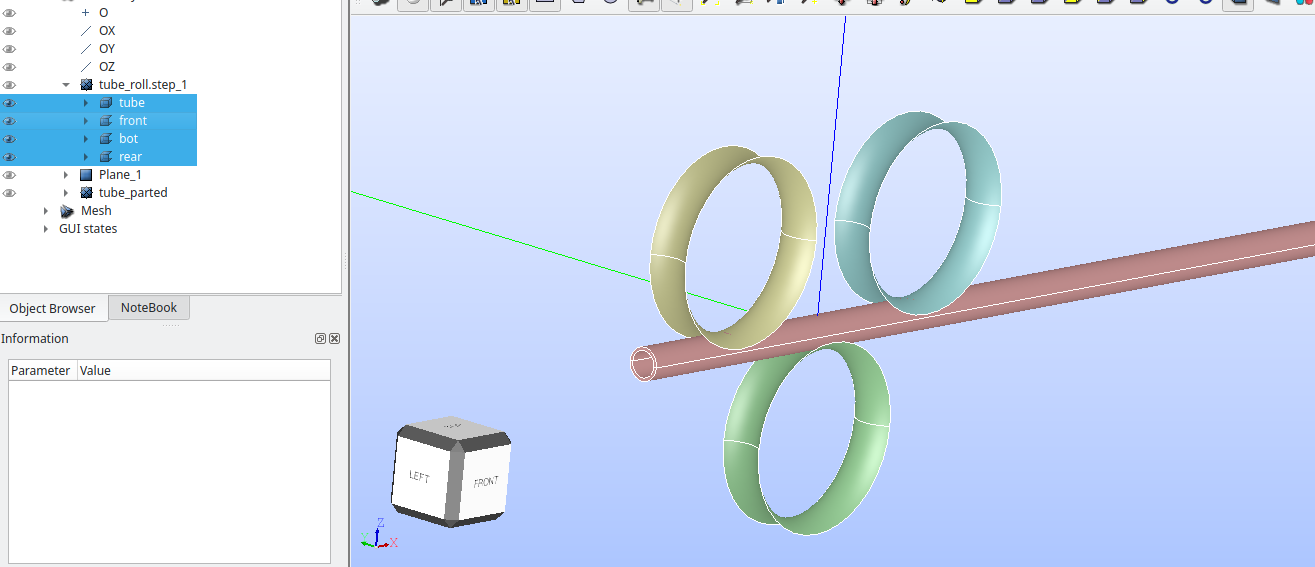
I created the initial model as shown below. It has 4 parts(1 solid 3 shell) exported in STEP from Onshape and imported in Salome.
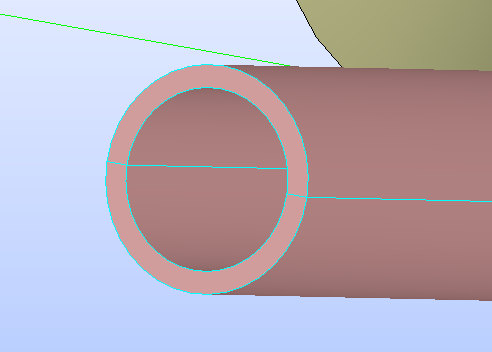
The thickness of tube initially is shown below(2 mm)
Now I modify the thickness in Onshape and redownload the STEP file, save with same name in current folder after moving old STEP to another folder. Then click RELOAD FROM DISK on “tube_roll.step_1’“
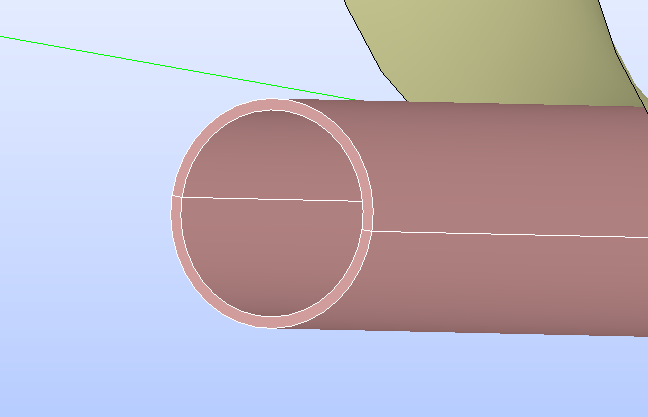
The thickness reduces as expected and shown below:
I had created a partition named “tube_parted” from “tube” and a plane coincident with XY plane( called “Plane_1”)
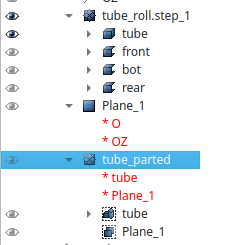
I exploded tube_parted into tube and created groups as shown below:
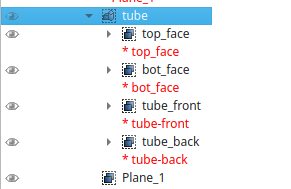
First of all , when after reloading from disk, tube_parted (and exploded tube(new)) is not updated. Its still with original thickness of 2mm as shown below:
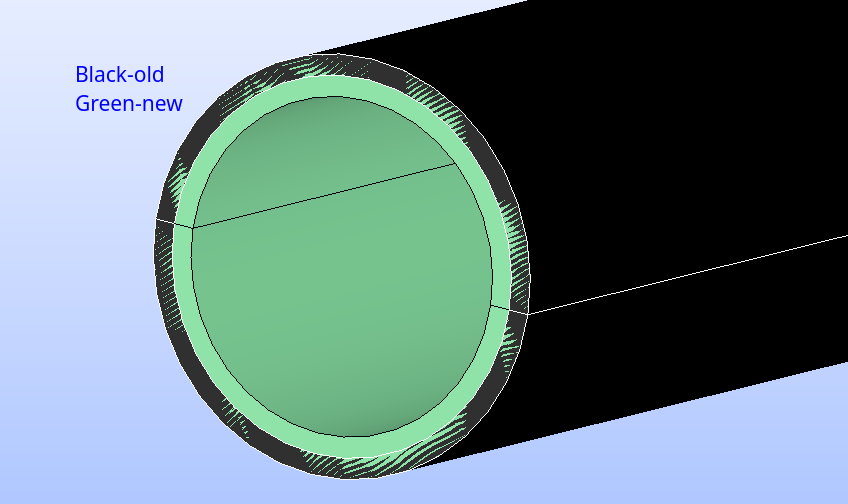
I switch to mesh module and created meshes on all parts.
tube_mesh references tube.
When I recompute tube it does not update to smaller thickness. How can I transfer the mesh onto new tube with less thickness and minimum effort?
2nd Important question:
When I use BUILD COMPOUND MESH and select these meshes “tube_mesh, bot, front , rear”, They all already have groups defined as shown in example below: I also tried copy mesh(2nd option but didnt work)
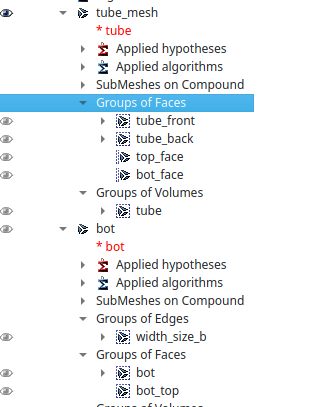
It does not preserve Mesh Group names and add/ overwrite with some GROUP_XX name stucture.
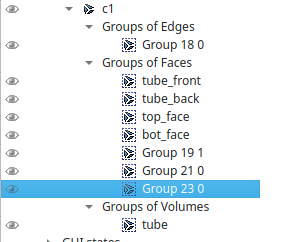
I used these settings while compound mesh making:
Process Identiacal groups: Rename and not to merge coincident nodes.
How can I be sure only created groups with original names are created in Compound Mesh.
I also tried step by step python dump and pasting in console but encountered many errors in mesh mode mostly missing groups etc.
I attach the study and new geom here:Dropbox
I had also created some volume elements in shell mesh(such as bot) but they are lost after (If I click relaod from disk in GEOM) and recompute. They were created by normal extrude command.
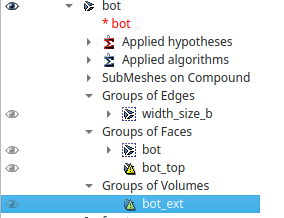
Please clarify these points. I think Reload from Disk corrupts the study. I want a cleaner way to update meshes according to updated geom (where meshes are based on objects created later in study(like partition) and not on imported STEP.
Thanks and Regards
Anirudh Nehra