Hello fred,
>I understand that the edge you want to remove is the construction edge of the cylinder. A good practice, when possible, is to try to match this edge with edges that need to be created.
I understand this, and i am with you, nevertheless this is not always possible, and actually quite problematic to do for the following reasons (this includes geometries with seams):
- sometimes the other ‘edges’ are not straights, so in this case it is impossible to align them
- i have quite bad experience from this in salome, even fixing presition and using the information of geompy.KindOfShape() to get axis and other things, a lot of time one finish with really almost coincident points but with extra ones. this has been one of my biggest headache in salome. for a lot of applications one does not care about this, but for meshing, specially structured meshing it can be quite annoying to deal with.
>You can try to use the “Defeaturing” feature and select one of the face that is delimited by the unwanted edge.
I am using geom, where at least from my knowledge and a look at doc, and the tools shown it does not look like there is a ‘defeaturing’ tool round?
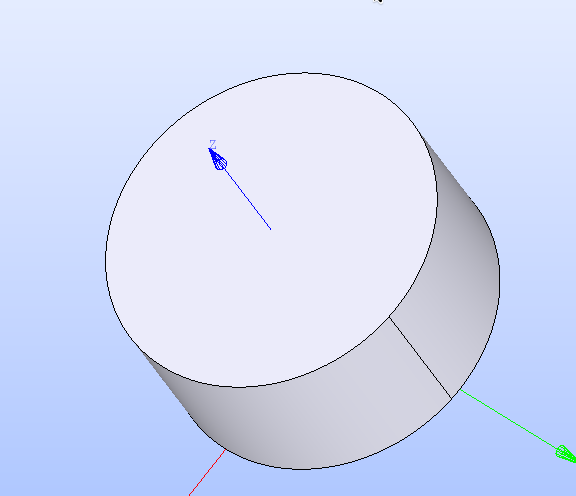
in any case, I exported in brep and re imported in shaper juuuuust to check if this would solve the issue, i tested and when i selected the two faces sharing the seam edge, and applied defeaturing it actually gave a worst same result than union faces. ie, it not only removed ALL the edges to leave only the seam one, but furthemore and thats is way more problematic (a clear regression from geom behavior, at least for someone that works with SMESH), it moved the seam edge to another location a random one, where in union faces at least, it removes all of them while keeping one at same location as before, here it puts one and it puts it in random location (first i thought it was putting it as the default location of it (aligned with the XZ or YZ plane) but no, it is just random). remove extra edges with unite faces in shaper gives same result as in geom.
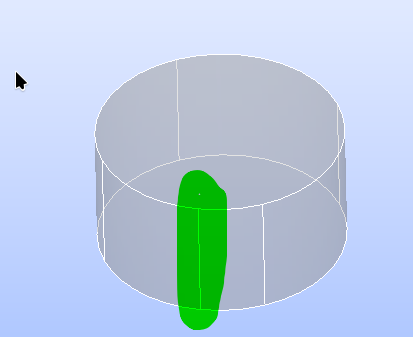
this is in geom (union faces):
before:
after (union faces), the edge kept is one of the previous one, the one of the XZ plane, ie, original construction edge:
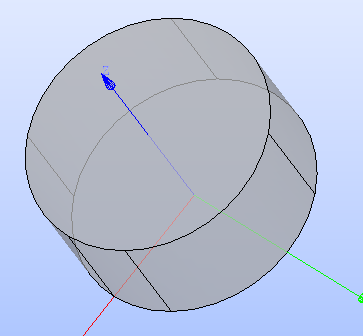
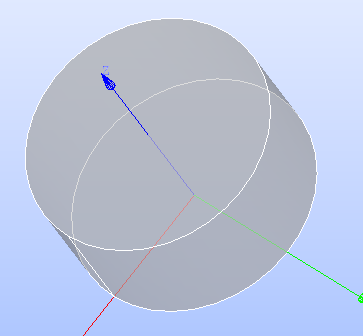
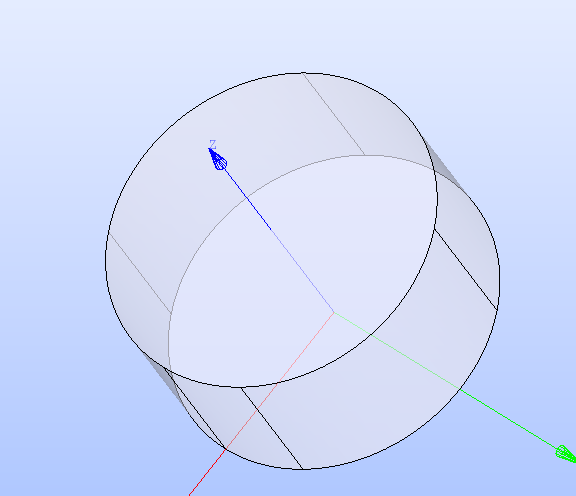
this is in shaper (defeaturing)
before:
after (defeaturing) all edges are removed and a new one appeared that looks like its aligned with the YZ plane but it is not.:
here is the Brep in case you want to check yourself:
Solid_3.brep (40,6 KB)