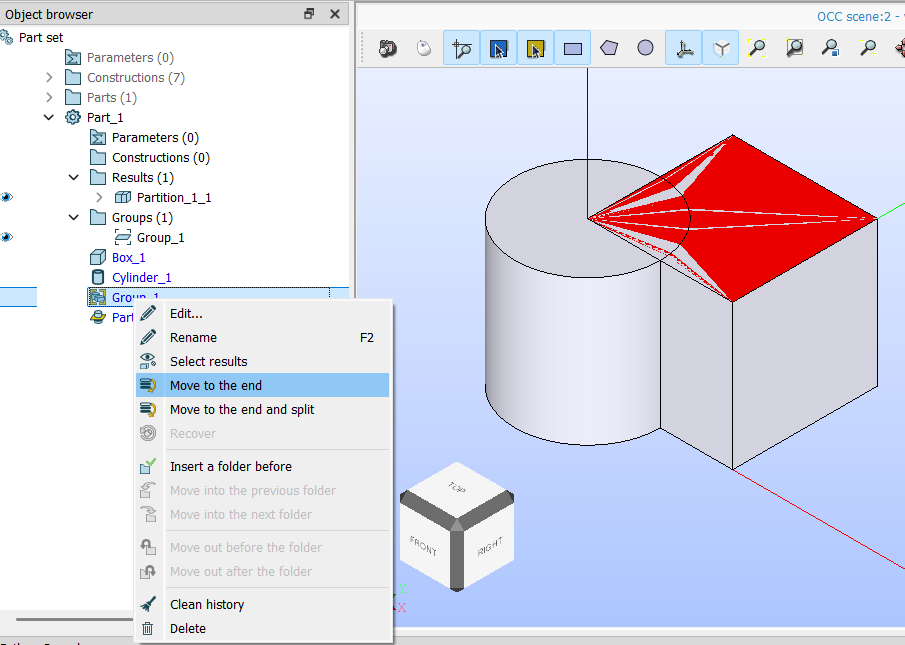
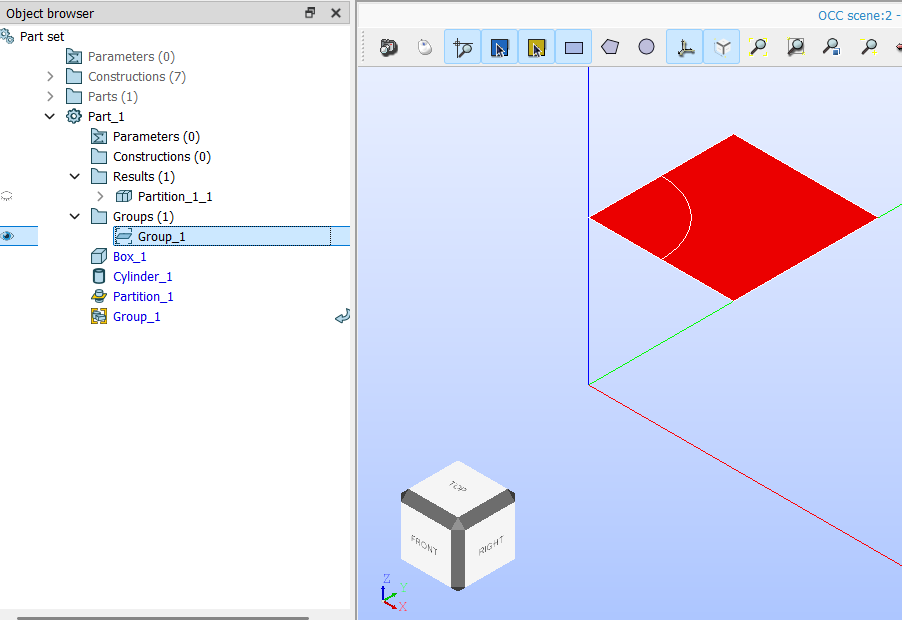
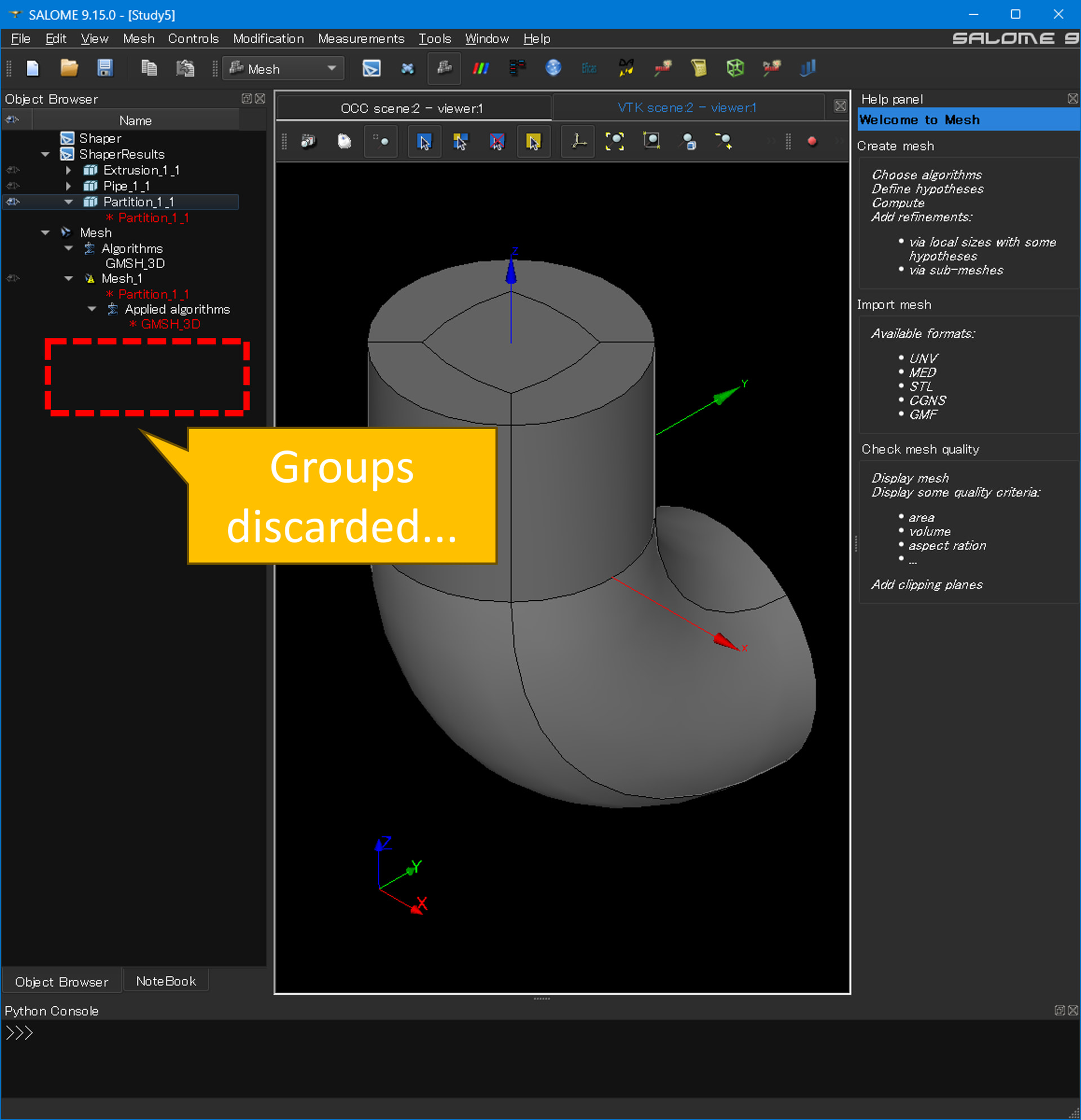
I would like to request a feature to retain/inherit Groups (Edges, Faces, Solids) during the Partition operation in SHAPER.
When modeling multi-region problems (e.g., CHT for OpenFOAM), it is intuitively understandable if we define Groups in individual parts. We need edge and face groups for local Sub-mesh control, as well as region volumes and boundary face groups for OpenFOAM patches. However, when we run [Features > Partition] to join them, all preexisting Groups are completely discarded.
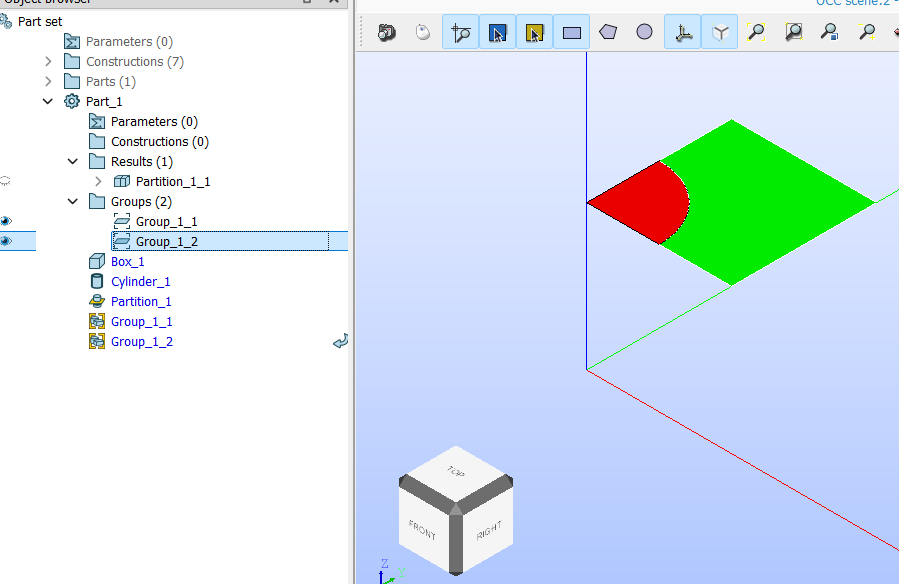
This requires us to manually re-create groups on Partition_1_1.
More importantly, if we change any CAD parameter upstream, these manual groups break, which defeats the purpose of parametric modeling.
It would be extremely helpful if the Partition tool had a “Keep Groups” option. Thank you for considering this request!
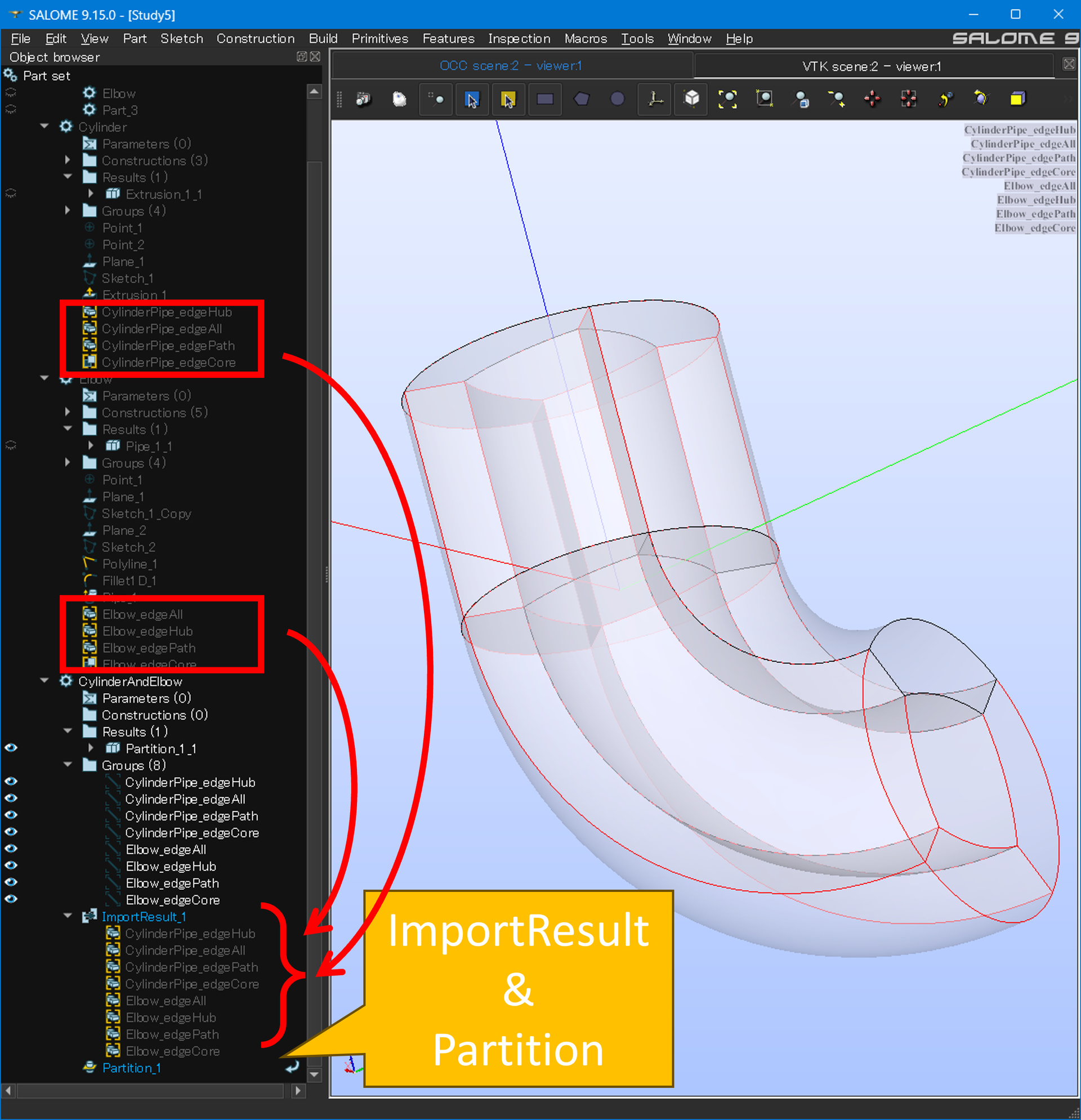
I define edge groups inside individual parts (Cylinder and Elbow). Then, I use [Import Result] to bring them into a new separate Part (CylinderAndElbow) and run [Partition].
In fact when you import results, you can see that the group are shown as subnode of the imported results, in fact they are just links to original groups and cannot be edited. This is why in MESH the groups are shown under the results of the parts
So unfortunately, you need to recreate the group after importing the parts, or after the partition.