I have a multipart model in shaper, with two parts:
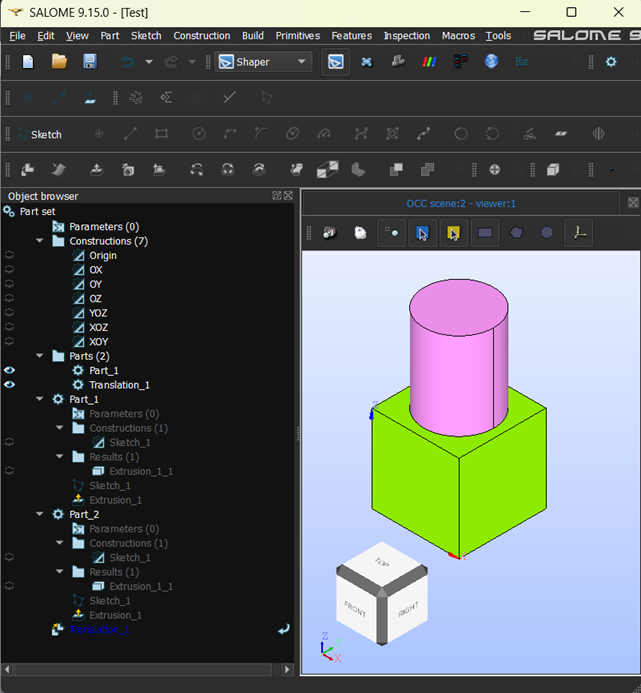
I want to export it to a step file, so in the dialog I select both parts:
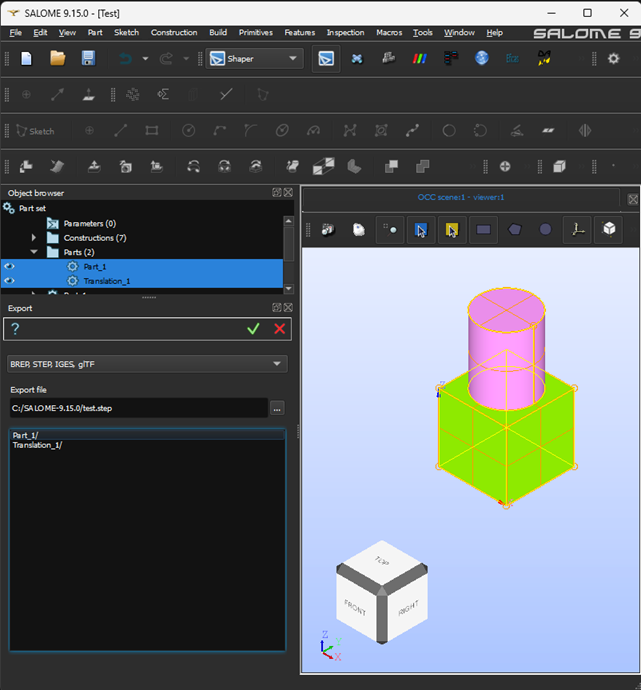
But when I open the step in other program, it only has the pink cylinder.
How can I do it?
Thank you
I have a multipart model in shaper, with two parts:
I want to export it to a step file, so in the dialog I select both parts:
But when I open the step in other program, it only has the pink cylinder.
How can I do it?
Thank you
Surely someone has a smarter approach, but you could import the results of Part_1 to Part_2, then export results of Part_2 to CAD format.
See here: Import Result — SHAPER 9.16.0 documentation
I gave it a try on two parts, and it worked, I could export to STEP.
I use Export to GEOM in my workflow. I first ensure I am in Part set mode in SHAPER then in the Geometry module I use Build compoundto build the set of objects to export.
@NabilG, I could not find how to import the results of Part_1 to Part_2. How did you do it?
@EvokeMadness, I tried it and it woked! Thank you.
Even if there are some workarounds, I think it should be possible to do it directly. Is there a reason why it is not?