I was wondering if there’s a way of changing what is highlighted while adding to a group. When picked, now edges become white. If there are adjacent edges the result is seen only after applying changes. Then you have to edit and add the missing ones. It would be better to highlight faces, when we pick faces. And I can’t find any setting regarding that in geom settings. Could someone help me with that?
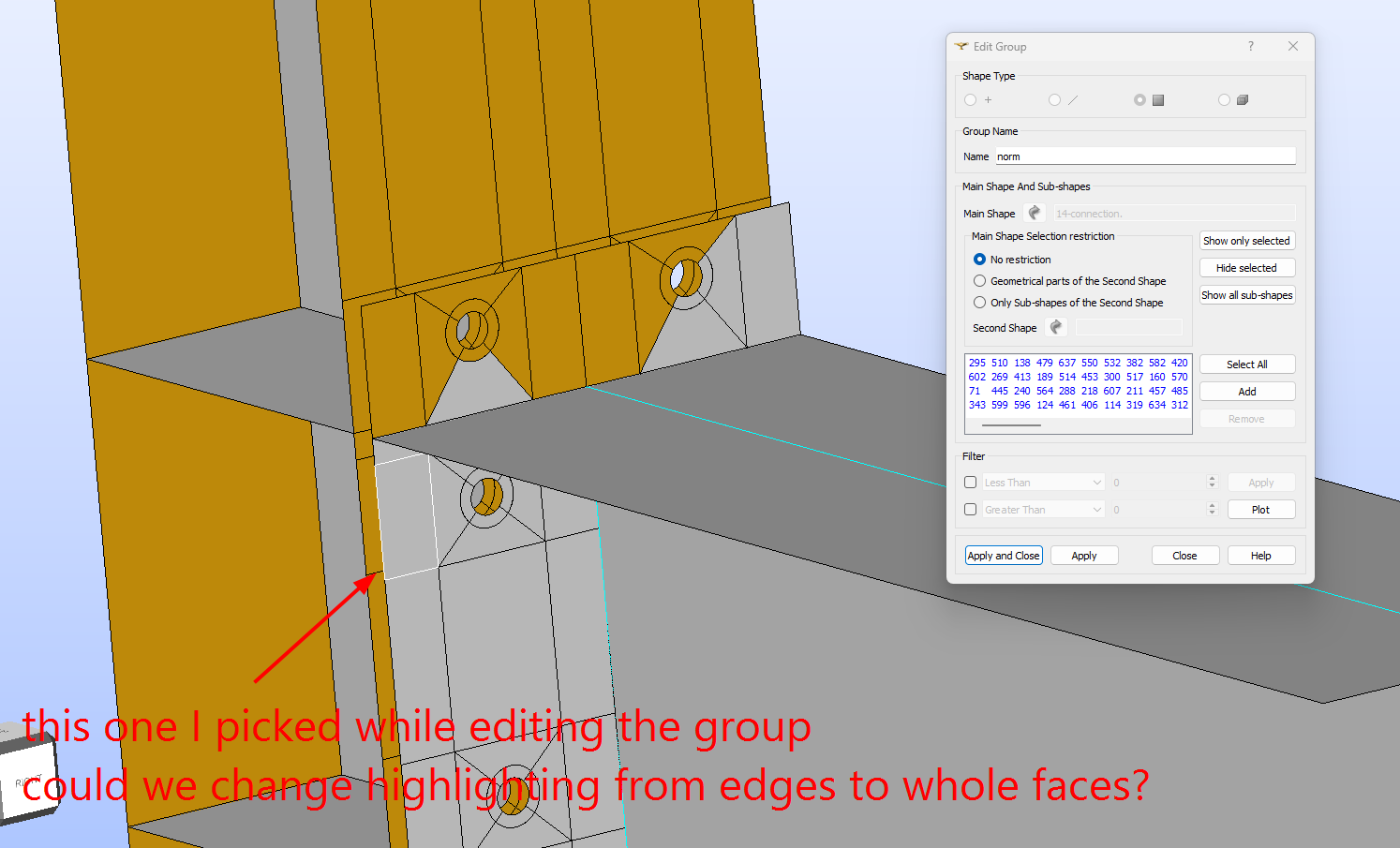
not exactly what you are asking for, but if you add and hit apply the face that you have selected (with the white edges) will become orange as the already existing in the group.
 so obvious… I need to see a psychiatrist. Thanks