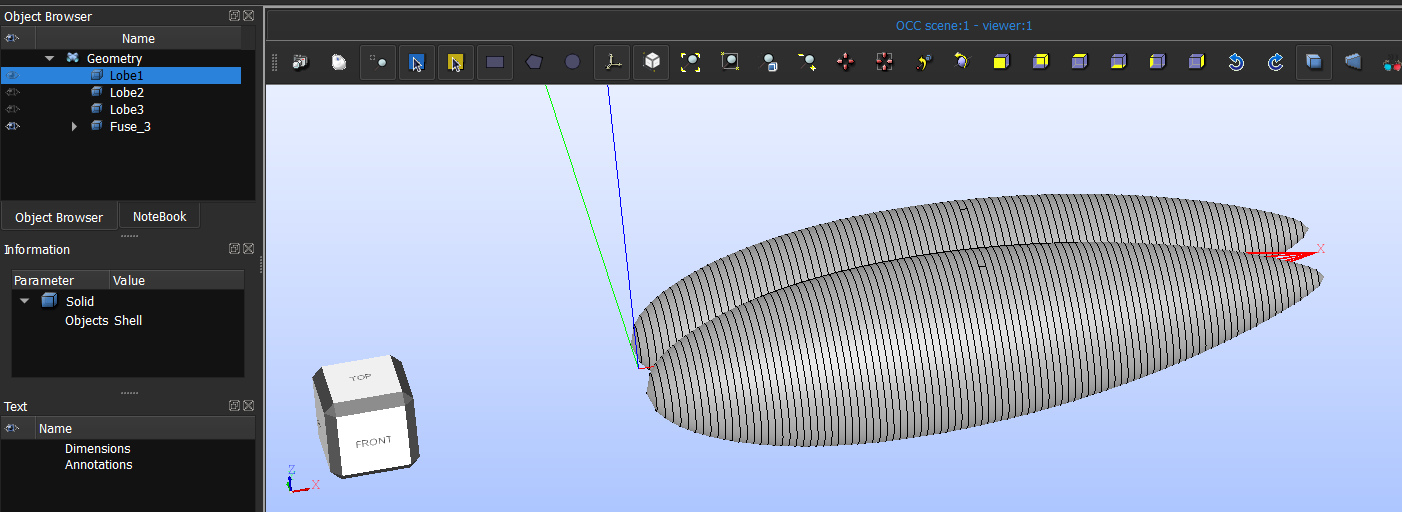
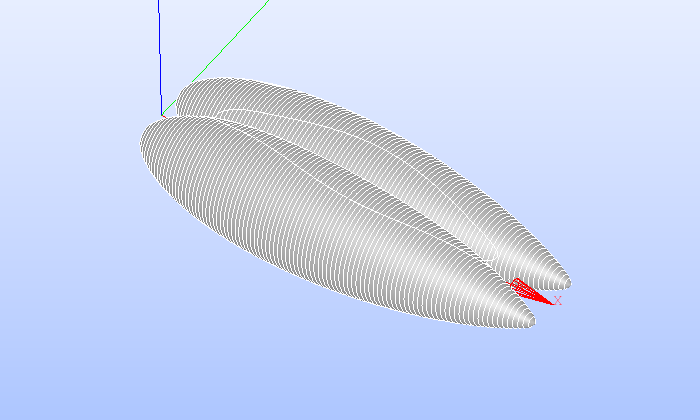
I am not able to perform a fuse operation on three solids which do not have any self intersections or anything. There are three solids, Lobe1, Lobe2, Lobe3. When I tried to apply fuse for all the three of them, I am getting something which is incomplete (lobe3, the central one is missing??),
There is no error so I don’t even know what is wrong here. I tried different methods and was not able to get a workaround for this. What has to be done to make the three solids into one?
File: envelope.hdf
hello,
i just tested and it works for me (salome 9.15 universal linux distribution),
what i did was fuse lobe1 with 2, and the result i fused with 3. your geometries I would risk to say that are not well defined there are a lot of extra edges, (I imagine that this are revolution solids that you generated in another software?), anyways it is tricky of salome to handle so many intersections at the same time, thats might be the reason of failure when you tested.
if i am correct and what you are looking for is creating a revolution solid from a set of points, you can do this in salome by scripting quite easily.
- define a list of points
- create a interpolation line (geompy.MakeInterpol(ListOfShapes,isClosed,doReordering))
- do a revolution you get a face or shell not sure
- make a solid
from memory interpolation line is limited to 26 points, so maybe you will need to make several interpolation lines but this will result in a geometry with way less edges.
regards
Hi franco,
Thank you for your response. I am using 9.15 Windows .exe version. The revolution solids are made in Salome geom for which I first made a PolyLine then made a Face then revolved it. The code for it is given in the Python file shared below.
I tried doing fusing the first two and fusing with the central one finally, but the result did not appear the same way. The central lobe again ended up missing leaving behind a 2D projection of itself on the other two lobes?
My python file: envelope.py
In this python file, the fusion of the lobes is from Line 98 to Line 111 where I did the same as you suggested. Fusing the first two lobes (Line 103) and then finally fusing it with the third lobe (Line 111). I maybe am doing a mistake in the revolution part (Line 90 to 96) but am not able to figure out.
Thanks for your help again.
here you have the modified version, your issue is in the creation of the face for the revolution, also worth checking the lobe 3 generation it looks like something is wrong,
envelope.py (4,3 KB)
1 Like
That works very well!! Is there any reason why MakeInterpol works while MakePolyline does not?
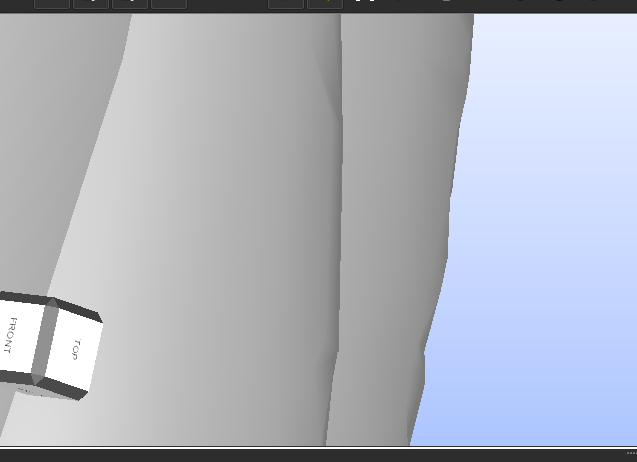
I noticed a new issue here. When using interpol, the resulting surface ends up having rough surfaces instead of a smooth one,
This was not the case when I was using Polyline which was smoother comparatively with more number of points taken. Wouldn’t these cause issues when I am meshing it?
Thanks for your help!
I have seen this before, and they were artifacts of the visualization, check if the edge itself is like this or not, publish the face/wire you use to construct the object, might be only bad display,
>Wouldn’t these cause issues when I am meshing it?
I only can say, mesh and check it
in contrast to polyline, which you are literally discretizing the geometry while constructing, in this case you have a smooth one, it should behave better, in geometry part and in meshing also.
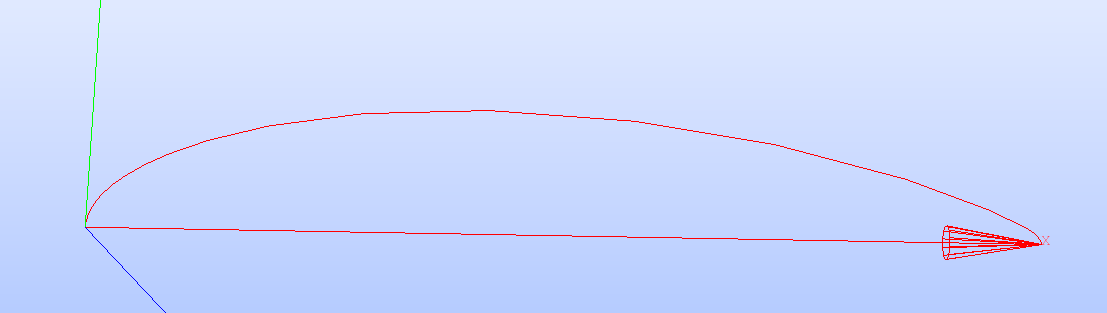
This is how the wire looks,
It does not have any major bumps or anything.
Considering a bad display, I tried to export it in BREP format and view the wireframe using an online 3D BREP viewer.
With polyline: The 3D surface looks very organised [See Image]
With interpol: The 3D surface looks very unorganised [See Image]
this is not a 3D brep viewer. well it is, but not. it is meshing it before showing it and it is showing you that. as with the polyline you have cross edges, it will force the mesh to go thought and therefore organize it, I would not consider the two views of that software as something that can indicate that is problematic or not. would check in another real CAD software, such as freecad fusion, onshape, etc. where they will show you the real brep model and not a mesh. would recommend onshape it is free and online.