Hello,
I am trying to import my meshes generated in salome to OpenFOAM.
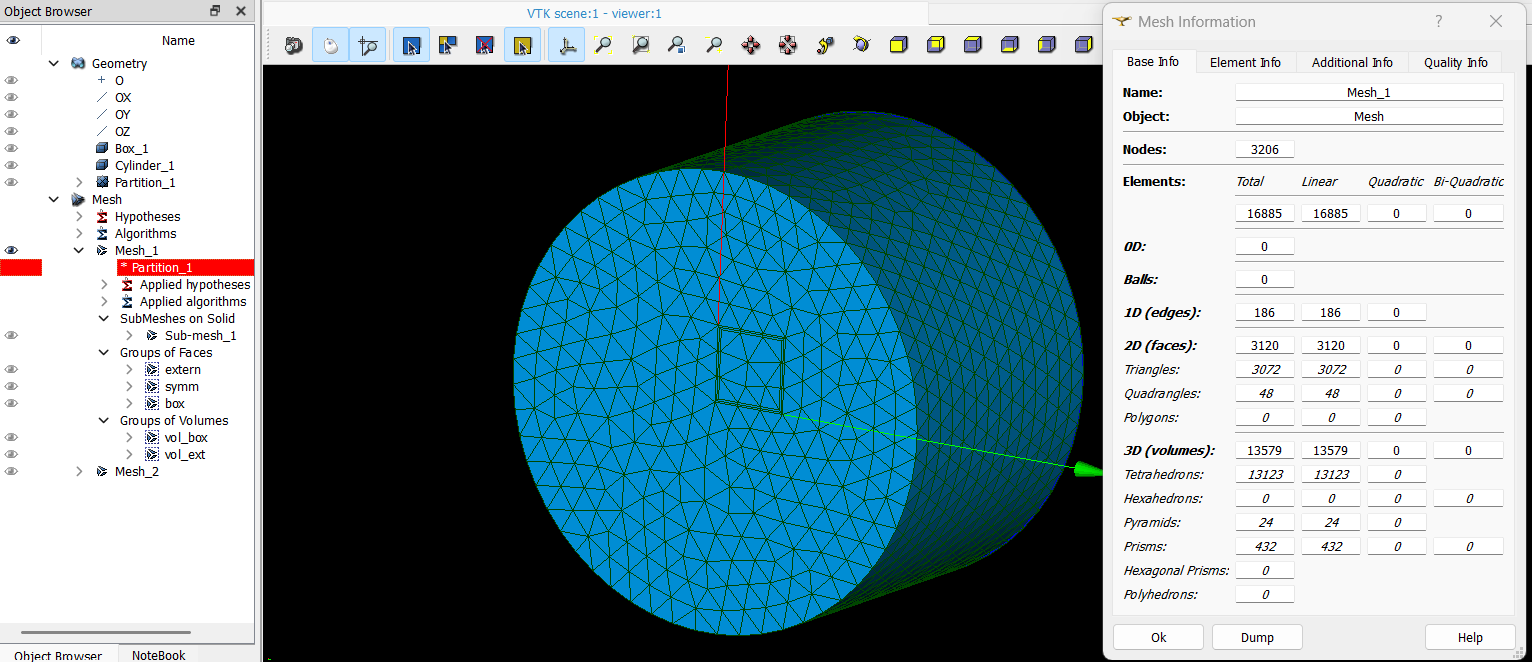
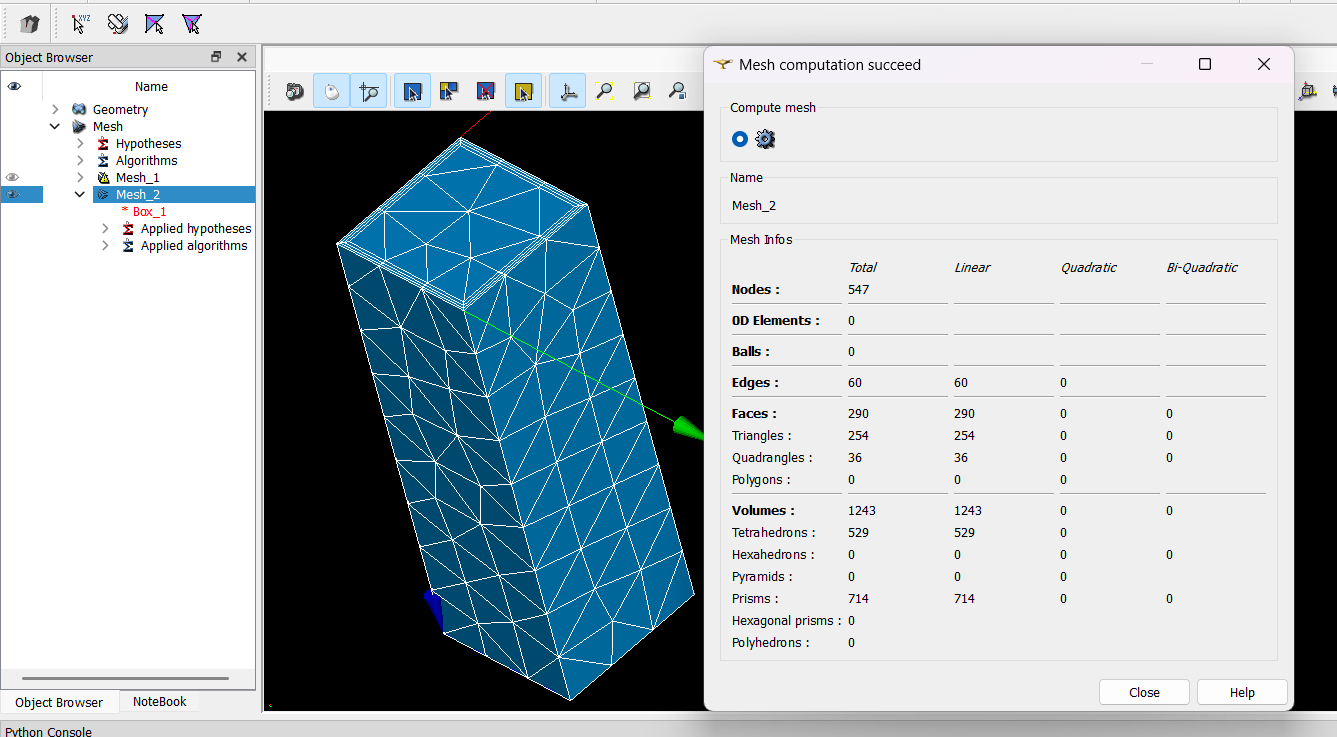
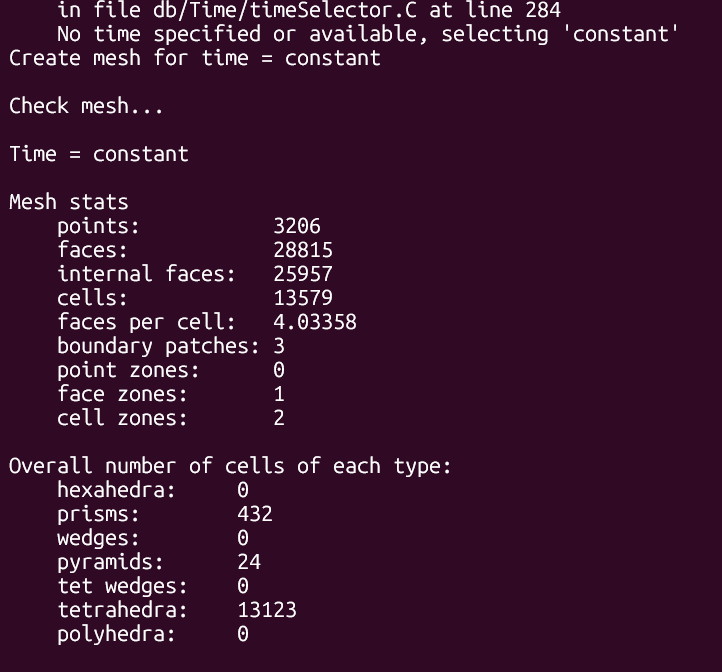
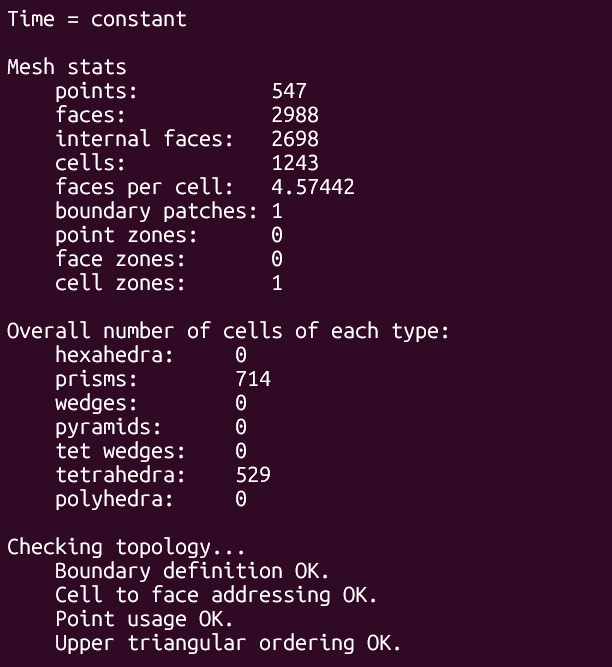
the meshes have different type of cells (including pyramids, so I can not use the UNV format), therefore I try to export the mesh generated in salome to gmsh, and from gmsh export it to OpenFOAM. Nevertheless, I have not successfully got a ‘working’ mesh.
I have tried different possible exporting formats from salome to then import them into gmsh:
med 4.1, 4.0, 3.3, 3.2
CGNS (wich gave an error in gmsh 4.11.1)
GMF ASCII, binary (binary gave an error in gmsh 4.11.1)
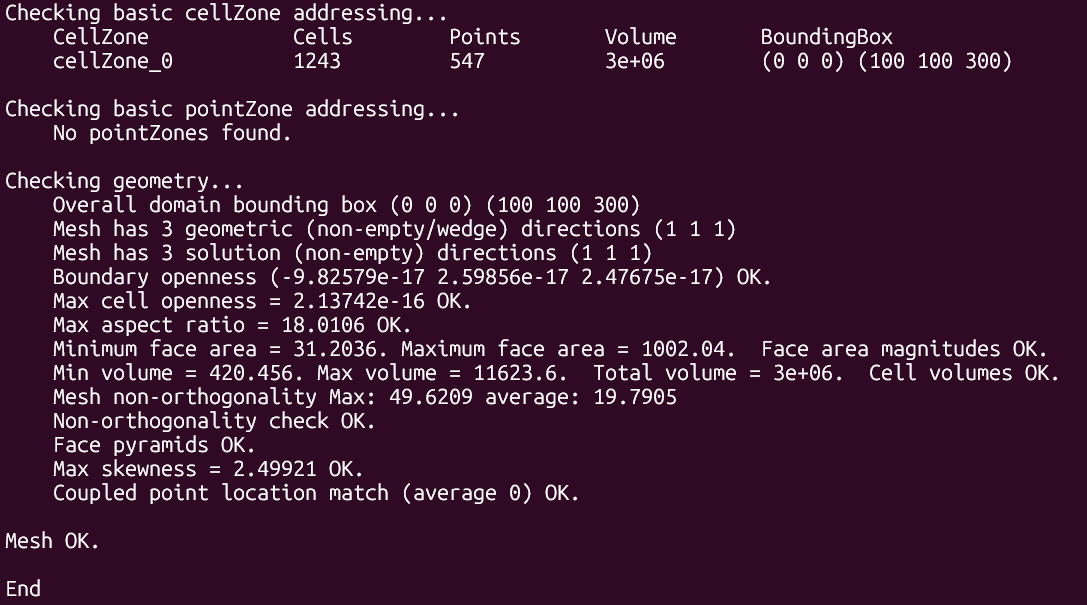
when I import it to gmsh I don’t get any error message (with exception of the CGNS and GMF binary. then I export from there into .msh version 4.1 and then import it into OpenFOAM using gmshToFoam. this “works” but when I look at the mesh in paraview it is wrongly connected. It might be a stretch but depending in the format I exported in salome, I get different results in the end that’s why I am publishing here among the gmsh bug issues (not sure if the issue comes from the writing or reading this formats) gmshBugReport
any insight in this issue or how to solve it would be appreciated
Edit:
the correct workflow for importing a med file to Openfoam (in case that anyone finds with similar issue) would be: In Salome
Create the 2D groups for patches and at least one 3D group that contains all the cells, also it is important to delete all 1D groups (not sure if the 0D also) of the mesh, so only have surface and volumetric groups.
Export it in med file format, from my tests whatever version is ok
Import the mesh in gmsh by open/select the med file
Go to file export
Export it using following parameters ASCII 2.1 format, and all options set to off
Use gmshToFoam without any flag. This will allow to conturnate the issue of not being able to export directly meshes with pyramids from Salome in a format that is importable to openfoam
(Optional extras you may need for full Gmsh features)
sudo apt install -y libglu1-mesa-dev libfltk1.3-dev libjpeg-dev libpng-dev
2) Download Gmsh 4.12 source (pick 4.12.2 or 4.12.1 if you prefer)
cd /tmp
wget https://gmsh.info/src/gmsh-4.12.2-source.tgz
tar xzf gmsh-4.12.2-source.tgz
cd gmsh-4.12.2-source
3) Create build dir and run CMake enabling MED
mkdir build && cd build
Try a normal configure first — MED is an optional CMake option named “MED”
cmake .. -DMED=ON
4) Build & install
make -j$(nproc)
sudo make install
After it finishes, test MED support with:
gmsh -help | grep med
P.S.: In my case, I created a mesh in SALOME 9.14 that included pyramids. I then used the “Split Volumes” tool to split these pyramids into tetrahedra for export as a .unv file. Unfortunately, this splitting process causes ideasUnvToFoam to create a defaultPatch in OpenFOAM (which is not visible in SALOME) at the locations where the pyramids were split. In my case, the pyramids were formed at the interface between the hexahedral and tetrahedral cells.**
Hi, thank you for your great contribution. That’s outstanding. I think that MED to OpenFOAM procedure should be updated.
Create one 3D group for each partition that contains all cells of it. Never include overlapping groups. For example, activating Viscous Layer group creation. Create 2D patches for OpenFOAM. 1D groups do not play role. If no group is created, converter takes default names.
Export it in MED 4.1 file format in Salome 9.15.
Import the mesh in GMSH 4.15.2 by open/select the MED file
Go to file export
Export as ASCII 2 format, and all options set to off
Use gmshToFoam without any flag
In the example, I partitioned a geometry into two volumes.
I dont see the necessity of 1D groups for OpenFOAM, so i dont care about them. going thought gmsh is a pain IMO, currently i am not using mixed element meshes therefore i dont dig too much into this. UNV is more than enough.
that being said, if you have small meshes as the one you posted you can use the following code:
which exports directly into foam, i re writed my own mesh parser to be faster but this one for small meshes is more than enough. also as a side note:
simvia, which is part of edf (which it develops salome) have forked meshio and they mention that in the future they will add OpenFOAM support, in the begining for reading meshes not exporting but hope it will improve in the future GitHub - simvia-tech/meshio: 🕸 input/output for many mesh formats · GitHub
Now had add the possibility to export pyramids in the UNV format. one can use this format for fast importation to OpenFOAM of hybrid meshes (ie., meshes with pyramids as transition layer between hexas and tetras, for example). nevertheless, the user needs to slight modify ideasUnvToFoam.C file, i made an issue in each of OF main branches, in hopes that this modficiation will go to the main, please check post which contains links to each of the issues to follow up, or download the .C directly to compile it by yourself. NOTE: before exporting to UNV format, one should delete the 1D groups of the mesh, if not, current ideasUnvToFoam will (21/08/2026), for upstream versions of OF (.com and .org) it has been solved.
MSH format (gmshToFoam):
Now that gmsh is used directly to export gmsh format, one can export the mesh in Gmsh 2.2 format (the 4.1 reader from OF have some issues and it does not read binary format). and use gmshToFoam utility to import to OpenFOAM. gmsh, will create some extra face and volume zones that can be either ignored or remove it in OF after. NOTE: before exporting to MSH 2.2 ascii format, one should delete 3D groups of the mesh, if not, due to a bug, gmsh will not export all the volumetric elements ie., cells inside the mesh, it will explicitly ignore the ones inside this groups. I created an issue in this regard. Also, worth noticing that the 1D groups of the mesh, which are problematic with the UNV workflow, here they will be simply ignored.