Sneaking into this thread. The README about the installation of the tool seems still valid to me. But here is how you can proceed.
I gave it a try with latest SALOME-9.14 on Ubuntu 22.04 - and I believe it should apply to other platforms as well.
- Install this plugin in a given directory, e.g.
/home/salome.
cd /home/salome
git clone https://github.com/MoiseRousseau/SALOME-Voronoi.git
cd SALOME-Voronoi
# ensure that mentioned prerequisites in README are installed!
./install_vorpalite.sh
- Apply a minor modification to the plugin, to make it portable, namely edit file:
Voronoi_converter.pyand replace:
path = '/home/%s/.config/salome/Plugins/SALOME-Voronoi/' %(os.getlogin())
with:
    path= os.getenv('SALOME_VORONOI_ROOT_DIR', '/tmp')
    if not path.endswith('/'): path+='/'
- Expose Voronoi plugin environment to SALOME. To do this, extract the attached
extra.env.ddirectory inSALOME-9.14.0-native-UB22.04-SRC/extra.env.d. Edit fileextra.env.d/9000_voronoiPlugin.pyand fix path to SALOME-Voronoi plugin:
context.setVariable(r'SALOME_VORONOI_ROOT_DIR', r'/home/salome/SALOME-Voronoi', overwrite=True)
- Edit file:
SALOME-9.14.0-native-UB22.04-SRC/BINARIES-UB22.04/SMESH/share/salome/plugins/smesh/smesh_plugins.pyand right after meshboolean plugin, add:
try:
  import Voronoi_converter
  from Voronoi_converter import convertForCVTCalculation
  salome_pluginsmanager.AddFunction('Interface between Salome and Vorpalite', 'polyhedral mesh generation.', convertForCVTCalculation)
except Exception as e:
  salome_pluginsmanager.logger.info('ERROR: voronoi plug-in is unavailable: {}'.format(e))
  pass
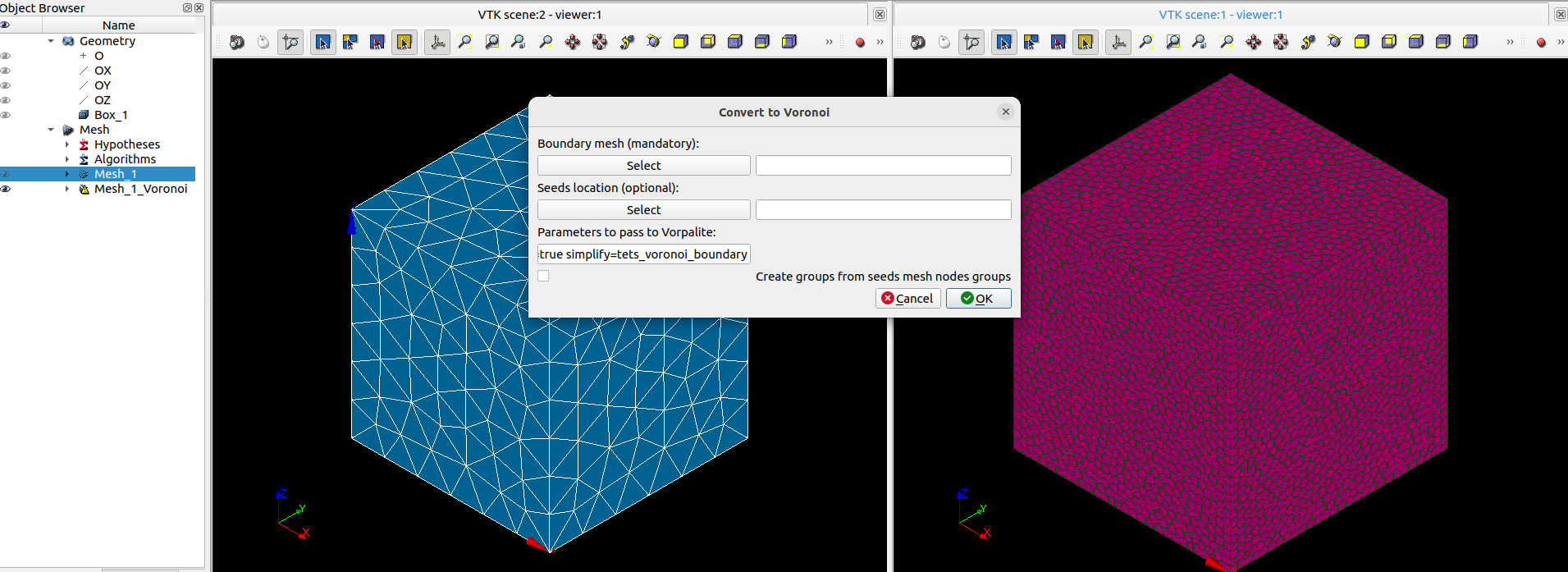
- Launch SALOME and activate SMESH, the plugin will show up in list of SMESH plugins.
Enclosed:
- modified converter which implements the mentioned minor modification.
extra.env.d.tar.gzwhich contains the environment file of this plugin. Fix path in this file.
@cbourcier : approach based on SMESH_PYPLUGIN_DIR environment variable does not seem to work here.
Voronoi_converter.py (6.2 KB)
extra.env.d.tar.gz (410 Bytes)
smesh_plugins.py (6.1 KB)